 ▶
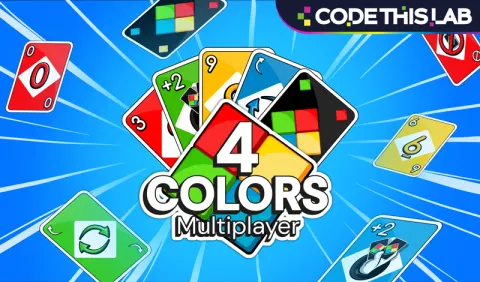
Four Colors Multiplayer brings the familiar flow of UNO to your browser. You’ll match cards by color or number, use action cards to disrupt opponents, and aim to clear your hand first. Also known simply as Four Colors, it’s easy to jump into and ideal for quick competitive rounds.
How to Play Four Colors Multiplayer
You start with a hand of cards. Each turn you look at the top card of the discard pile and play a card from your hand that matches either the color or the number of that top card. If you cannot match, you draw until you can. Action cards change the flow: skip someone’s turn, reverse play order, force a draw-two, or use wild cards to set the color. Beginners should focus on discarding high-value or action cards early and keeping flexibility in their hand. Advanced players must track remaining colors/actions, anticipate opponents’ play, and deploy wilds strategically to change the color to one they hold or one opponents lack. When someone is about to win, a well-timed draw-two or wild-draw-4 can swing the game in your favor.
What Are the Controls for Four Colors Multiplayer?
- Click/Tap the card you wish to play.
- If no valid card is playable, click/tap the “Draw” button to pick up a card.
- On mobile use touch input; on desktop mouse click.
- When you have one card left, ensure to press the “1” button (in some versions) or you risk a penalty.
Features
- Match cards by color or number
- Action cards including skip, reverse, draw-two, wild and wild-draw-4
- Multiplayer mode (2-4 players) or AI opponents
Playing Four Colors Multiplayer on CrazyGame
Four Colors Multiplayer runs directly in your browser — no download, no install, no account. The game is served by its publisher inside the player above, so progress is stored by the game itself rather than on this site. If the player does not start, reload the page once; some titles take a few seconds to load their assets on the first run.
CrazyGame is a directory, not the developer of Four Colors Multiplayer. Every title links back to the publisher that hosts it, and titles are added or removed as that catalogue changes.