 ▶
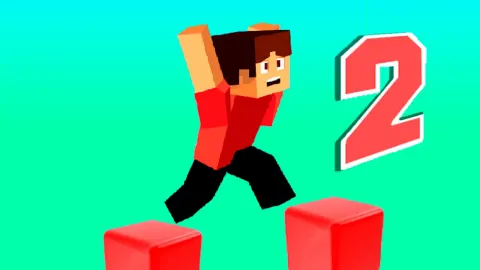
Interested in parkour but unsure where to start? Parkour Block 2 is the ideal game for you! It's an engaging journey through 42 increasingly challenging levels set in a blocky, Minecraft-esque world. It's the sequel to the Parkour Block -game in the same name series and is followed by Parkour Block 3, Parkour Block 4, Parkour Block 5 and Parkour Block 6.
How to play Parkour Block 2?
Start by familiarizing yourself with the controls. Navigate across platforms using arrow keys and jump with the spacebar. Be cautious, as perspectives can be tricky. The game will test your agility and strategic thinking skills.
Your goal in each level is to earn stars, reflecting your performance. But don't worry if you fall - checkpoints save your progress. Have fun and good luck!
What are the controls for Parkour Block 2?
- Use WASD or arrow keys to move
- Press Space to jump
- Hold down Left Shift to run
- Press Esc twice to access the menu
Features:
- 42 increasingly challenging levels
- Block-based, geometric game environment
- Intuitive controls: arrow keys for movement, spacebar for jumping
- Star-based performance rating system for each level
- Checkpoints to save progress
- Emphasis on agility and strategic thinking
- Minecraft-like atmosphere and visuals
Playing Parkour Block 2 on CrazyGame
Parkour Block 2 runs directly in your browser — no download, no install, no account. The game is served by its publisher inside the player above, so progress is stored by the game itself rather than on this site. If the player does not start, reload the page once; some titles take a few seconds to load their assets on the first run.
CrazyGame is a directory, not the developer of Parkour Block 2. Every title links back to the publisher that hosts it, and titles are added or removed as that catalogue changes.