 ▶
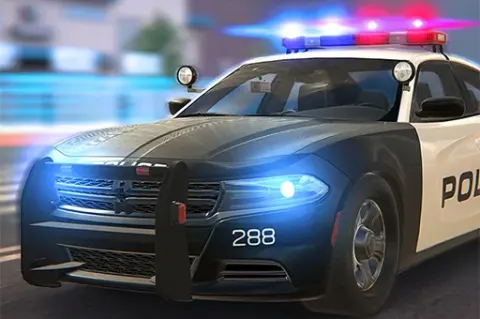
Police Car Simulator is a 3D car racing game with rich graphics and mechanics that give you a sense of what it feels like to be behind the steering wheel of a real police car. The game features a realistic city landscape with other cars, trucks, tall buildings, street lights, and many more, offering immersive gaming to the player. Drive around the city in your cruiser with the siren turned on and accomplish missions to help keep the peace.
How To Play Police Car Simulator
To begin, you need to provide a username and then click on the “Login” option. Keep in mind that your username must be between 5-10 characters. Without this, you’ll not be able to proceed further. After that, click on the “Play Now” button. You can also customize your police car through the “Garage” option and tweak the audio and graphic options. Once on the city stress, you can participate in various activities to receive cash rewards.
What Are The Controls For Police Car Simulator?
To play Police Car Simulator, you can use the following controls:
- WASD or arrow keys: move around
- C: change camera
- Mouse: look around
Features
- Realistic and immersive 3D graphics and sound
- Car customization options
- Multiple missions
- Both 3rd and 1st person camera view
Playing Police Car Simulator on CrazyGame
Police Car Simulator runs directly in your browser — no download, no install, no account. The game is served by its publisher inside the player above, so progress is stored by the game itself rather than on this site. If the player does not start, reload the page once; some titles take a few seconds to load their assets on the first run.
CrazyGame is a directory, not the developer of Police Car Simulator. Every title links back to the publisher that hosts it, and titles are added or removed as that catalogue changes.