 ▶
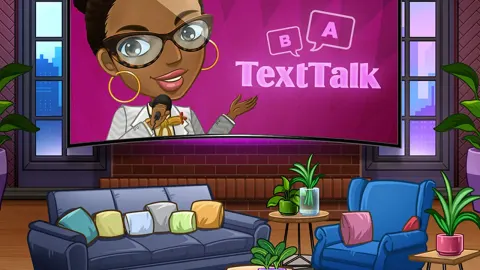
Text Talk is an engaging browser game that pushes your linguistic abilities to the limit. It combines elements of word searches, jumbles, anagrams, and crosswords in an exciting format, providing a fun and addictive experience.
How to Play Text Talk?
Playing Text Talk is all about leveraging your vocabulary and quick thinking. You are provided with a set of letters, and your goal is to use these letters to complete a crossword puzzle. The challenge lies in finding as many words as possible using the given letters. The game offers over 200 levels, with each level increasing in difficulty.
With a set of letters, your task is to complete a crossword puzzle by discovering as many words as possible.
What are the controls for Text Talk?
You can use the left mouse button to click on the letters in the user interface. If you prefer, you can also use your keyboard to type in the letters.
Features
- Over 200 levels of increasing difficulty
- The ability to show off your vocabulary by finding bonus words in addition to the puzzle words
- Puzzles that start off easy but become progressively more challenging
- A relaxed gaming environment with no time limits or pressure
- The ability to earn free coins and use them for hints if you get stuck
Playing Text Talk on CrazyGame
Text Talk runs directly in your browser — no download, no install, no account. The game is served by its publisher inside the player above, so progress is stored by the game itself rather than on this site. If the player does not start, reload the page once; some titles take a few seconds to load their assets on the first run.
CrazyGame is a directory, not the developer of Text Talk. Every title links back to the publisher that hosts it, and titles are added or removed as that catalogue changes.