 ▶
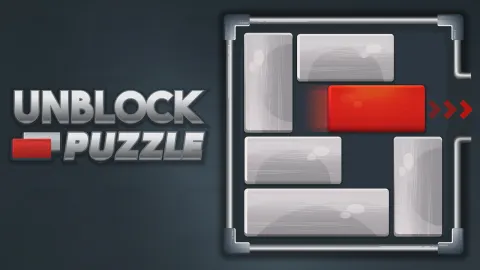
Exercise your logical thinking and problem-solving abilities in an entertaining way with Unblock Puzzle! Slide the gray blocks aside to clear the path for the red block to reach the exit hatch and complete the levels in the least moves possible. The gameplay is catchy, and the music is truly amazing, so don’t be surprised if you spend more time playing than you initially intended to.
There are a total of 240 levels available, categorized across 4 difficulties: Beginner, Intermediate, Advanced, and Expert. To take on the harder stages, you must complete the easier ones first, so if you’re a completionist, this game poses a worthy challenge. If you’re stuck and can’t finish a level, the Restart, Undo, and Hint abilities come to the rescue.
How to play Unblock Puzzle
If you thoroughly analyze the blocks’ placement on the board, it won’t take much time until you’ve figured out what must be done. Keep in mind that the orientation of the blocks determines in which direction you can move them. Horizontal blocks can move either left or right, and vertical ones — up or down. The location of the exit hatch will allow you to decide on which side of the board each piece must be slid, which slowly but surely paves your way to victory.
What are the controls for Unblock Puzzle?
Unblock Puzzle works perfectly on both PC and mobile web, so the choice of the preferred platform is entirely up to you. Click or tap on the gray blocks, then hold and drag to move them aside and clear the way for the red block. Once the path is cleared, repeat with the red block to slide it toward the hatch and complete the level.
Features
- An amazing logical thinking and problem-solving exercise
- Deceivingly simple gameplay, gorgeously relaxing music
- A total of 240 levels spread across 4 difficulties
Playing Unblock Puzzle on CrazyGame
Unblock Puzzle runs directly in your browser — no download, no install, no account. The game is served by its publisher inside the player above, so progress is stored by the game itself rather than on this site. If the player does not start, reload the page once; some titles take a few seconds to load their assets on the first run.
CrazyGame is a directory, not the developer of Unblock Puzzle. Every title links back to the publisher that hosts it, and titles are added or removed as that catalogue changes.