 ▶
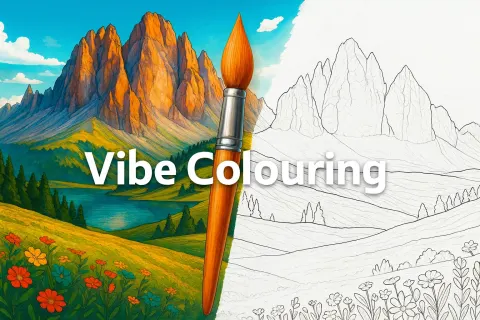
Vibe Colouring gives you a digital coloring book that reacts the moment your cursor or fingertip hits the page. You pick a picture, follow the numbers and watch the illustration bloom into something lively and polished. The game is simple on purpose and works like a relaxing pocket studio that never demands logins or downloads.
How to Play Vibe Colouring
You begin by choosing an image from the gallery. After that you grab a color from the palette and fill in every segment that carries the matching number. Each click or tap snaps neatly into place and you can zoom or drag the canvas to hunt down small details. Finishing a picture boosts your overall coloring score and the leaderboard lets you see how your efforts compare with other players.
What Are the Controls for Vibe Colouring?
On PC you use mouse click to select colors and fill numbered areas. You scroll to zoom and click and drag to move the canvas.
On mobile you tap to color, pinch to zoom and drag with your finger to reposition the picture.
Features
- Large library of meme, landscape and mystery illustrations
- Color by number rules that require no learning curve
- Zoom and magnifier options for tiny segments
- Optional dark mode for comfort
Playing Vibe Colouring on CrazyGame
Vibe Colouring runs directly in your browser — no download, no install, no account. The game is served by its publisher inside the player above, so progress is stored by the game itself rather than on this site. If the player does not start, reload the page once; some titles take a few seconds to load their assets on the first run.
CrazyGame is a directory, not the developer of Vibe Colouring. Every title links back to the publisher that hosts it, and titles are added or removed as that catalogue changes.